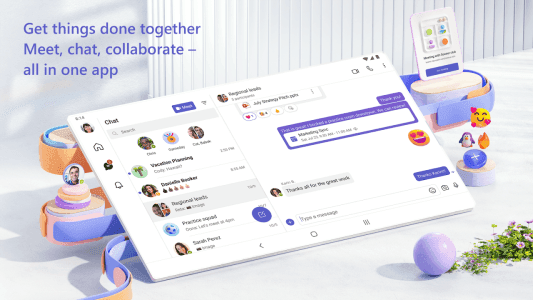
Connecting communities, teams, and families has become seamless with Microsoft Teams, a robust communication and collaboration platform designed to streamline interactions and productivity. This all-in-one solution brings together essential tools for effective group work and personal connections, ensuring that whether you’re coordinating a community event or collaborating on a complex project, everything you need is readily accessible within a single, intuitive interface. It’s built to simplify how people connect and manage information.

Microsoft Teams
Microsoft Corporation
Download
358.87 MB
Microsoft Teams Screenshots





1 / 18
358.87 MB
Size
1416/1.0.0.2025022204
Version
7+
Android
Universal
Arch
About Microsoft Teams
Connecting communities, teams, and families has become seamless with Microsoft Teams, a robust communication and collaboration platform designed to streamline interactions and productivity. This all-in-one solution brings together essential tools for effective group work and personal connections, ensuring that whether you’re coordinating a community event or collaborating on a complex project, everything you need is readily accessible within a single, intuitive interface. It’s built to simplify how people connect and manage information.
Unified Communication Hub
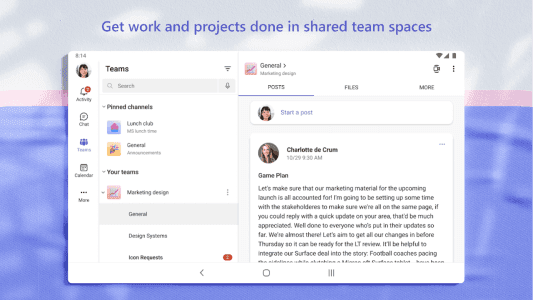
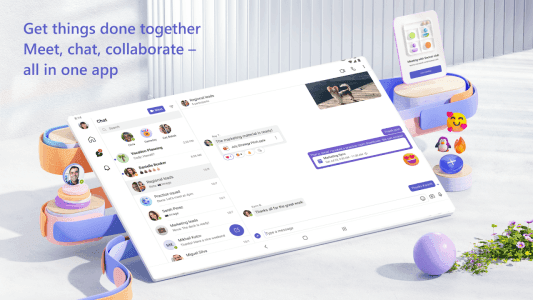
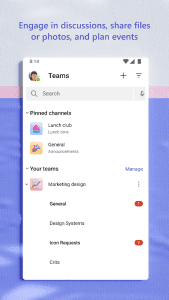
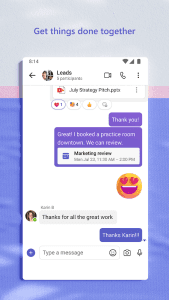
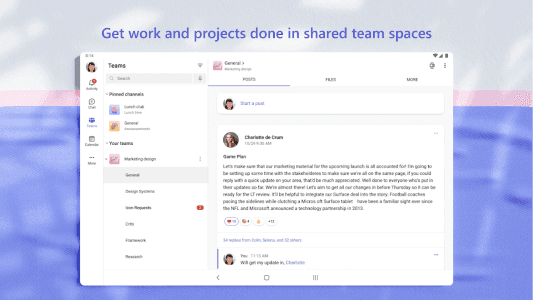
This platform serves as a central point for all your communication needs, eliminating the need to juggle multiple applications. Users can effortlessly switch between individual chats, group conversations, and dedicated channels for specific projects or topics. This consolidation fosters a more organized and efficient workflow, allowing everyone to stay informed and engaged without missing critical updates or discussions.
Seamless Virtual Meetings
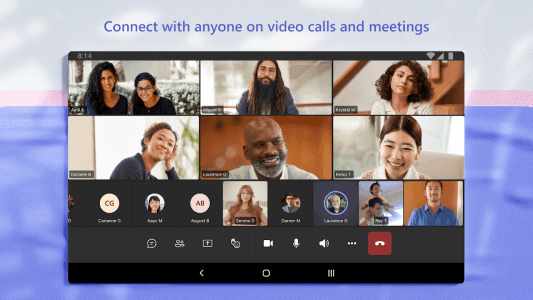
Conducting audio and video meetings is incredibly straightforward, offering a reliable way to connect face-to-face from anywhere. The service supports high-quality calls, screen sharing, and virtual backgrounds, making remote collaboration feel more personal and productive. Whether it’s a quick check-in with a colleague or a large team presentation, joining and managing meetings is designed for simplicity.
Integrated File Management
Beyond communication, the tool provides integrated storage capabilities, allowing users to share and collaborate on documents directly within their chats and channels. This means files are always within reach, and real-time co-authoring can occur without the hassle of downloading and re-uploading, significantly boosting team efficiency and version control.
Streamlined Task Tracking
Managing tasks and project timelines is made easier with built-in functionalities that help teams stay on track. Users can assign tasks, set deadlines, and monitor progress, ensuring accountability and clarity across all initiatives. This feature is invaluable for keeping projects moving forward and ensuring everyone understands their responsibilities.
Centralized Calendar Access
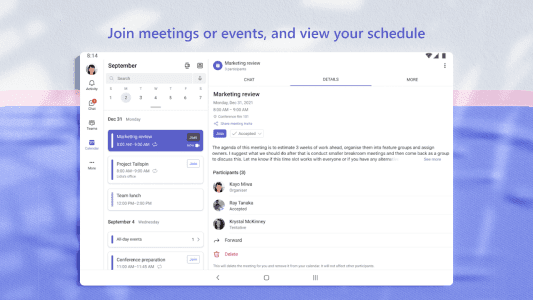
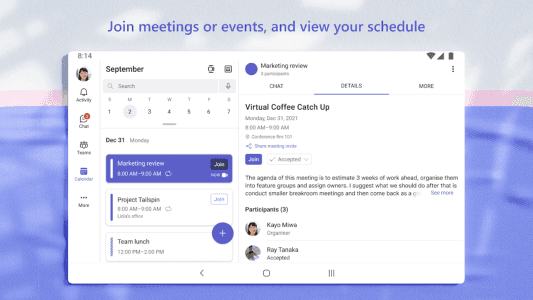
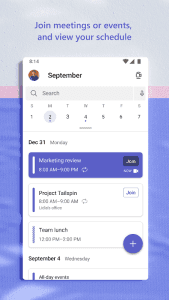
Keeping track of schedules and important events is simplified through the integrated calendar feature. This allows users to view team calendars, schedule meetings, and manage personal appointments all from one place. It helps in coordinating availability and planning future activities efficiently, reducing scheduling conflicts.
Community Engagement Tools
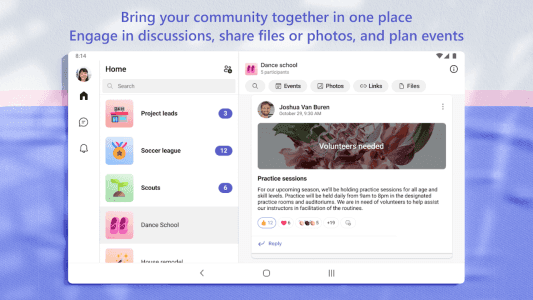
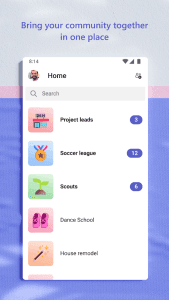
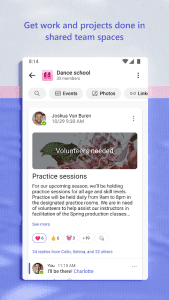
The platform also caters to community groups, offering dedicated spaces for members to connect, share updates, and organize activities. From planning a neighborhood gathering to coordinating a volunteer effort, it provides the necessary tools to foster strong community bonds and ensure smooth communication among members.
Cross-Device Accessibility
Accessing your conversations, files, and meetings across different devices is effortless. The experience remains consistent whether you are on your Android phone, tablet, or desktop computer, ensuring you can pick up where you left off and stay connected on the go, without interruptions.
Frequently Asked Questions
It’s primarily used as a comprehensive communication and collaboration platform, bringing together chat, video meetings, file sharing, and task management into a single application for both professional teams and personal communities.
Yes, a free version of the service is available, offering core features for communication and collaboration. Paid subscriptions unlock additional advanced functionalities and storage options for larger organizations.
Absolutely. While widely recognized for business, Microsoft Teams is also designed for personal use, allowing families, friends, and community groups to connect, plan events, and share information effectively.
By centralizing communication, file storage, task management, and calendars, this platform minimizes context switching, reduces email clutter, and provides a unified workspace, significantly boosting overall productivity.
Additional APP Information
Package Name
com.microsoft.teams
Developer
Microsoft Corporation
Category
Signature
7dc83cd2abe833560c2896626e307041c0df3a7a
Get it On

You are now ready to download Microsoft Teams for free. Here are some notes:
- Please read our APK Info and installation instructions carefully for the game & app to work properly
- Read the FAQ carefully for more details
4.7/5 (172 votes)